Why Is My WiFi Slow at Night? 7 Causes and How to Fix Them
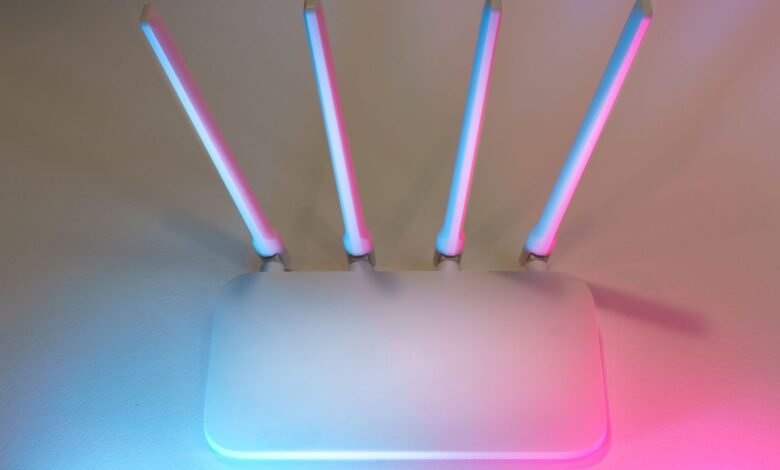
So, why is my WiFi slow at night? In most homes the answer is simple: between roughly 7 and 11 p.m., your whole neighborhood goes online at once. Everyone streams, games and video-calls at the same time, so the shared network that feeds your street gets crowded, and your connection slows down even though nothing is wrong with your router.
That’s not the only cause, though. Your own household is busier at night, neighbors’ WiFi networks fight for the same radio channels, and big uploads can choke everything else. The good news is that a simple test tells you which problem you have, and most of the fixes are free.
Key Takeaways
- Evening slowdowns usually come from peak hours, when many people share the same network at once.
- If a wired connection is also slow at night, the problem is your provider. If only WiFi is slow, the problem is inside your home.
- Crowded 2.4 GHz channels, busy devices and large uploads are the most common home causes.
- Moving the router, switching to 5 GHz, and limiting uploads fix most home WiFi problems for free.
Why Is My WiFi Slow at Night? The Short Answer
People often say “WiFi” when they mean “internet,” but they are two different things. WiFi is the short radio link between your router and your phone or laptop. The internet connection is the line from your router out to your provider. Your WiFi can be slow at night because of either one.
Most of the time, the slowdown happens outside your home, on the provider’s network. But home problems also get worse in the evening, because that’s when your family is using the most devices. Below are the seven causes, starting with the most common.
7 Reasons Your WiFi Is Slow at Night
1. Everyone Goes Online During Peak Hours
Internet providers don’t build a separate pipe for every home. Many connections, especially cable, share capacity with the other homes in the same area. During the day, when people are at work or school, there is plenty to go around. In the evening, almost everyone is home and online at once.
This busy window is called peak hours, and it usually runs from about 7 p.m. to 11 p.m. If your speeds drop at the same time every evening and recover late at night, peak-hour demand is the most likely reason your internet is slow at night.
2. Your Provider’s Network Gets Congested
When more data is trying to travel through a link than it can carry, data has to wait in line. Engineers call this network congestion. The result is lower speeds, buffering videos and laggy games.
Some providers sell more capacity in an area than the network can handle if everyone uses it at once, because most of the time people don’t. That works fine at 10 a.m. At 9 p.m., it can fall apart. Fiber connections usually suffer less from this than cable or DSL, but no network is immune.
3. Your Household Is Busier in the Evening
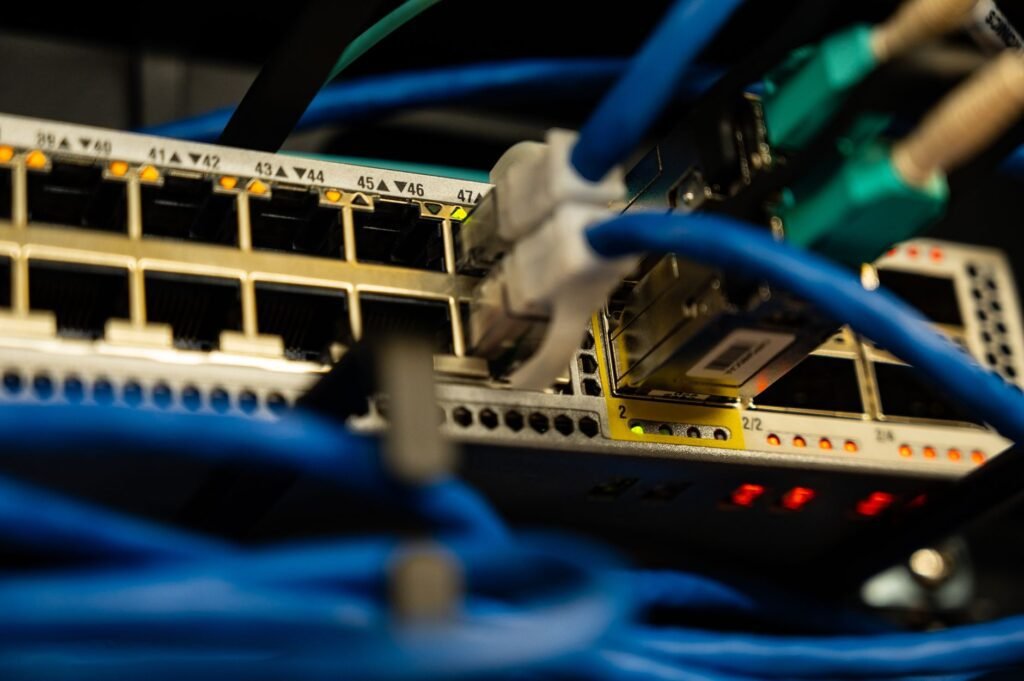
Think about what happens in your home after dinner. One person streams a show in 4K, another plays an online game, someone else is on a video call, and phones are scrolling video apps in the background. All of these share one connection.
On top of that, many devices save their big jobs for the evening or overnight. Phones back up photos to the cloud when they’re plugged in, game consoles download updates, and computers install patches. You don’t see these tasks, but they still use your bandwidth.
4. Neighbors’ WiFi Networks Crowd the Same Channels
WiFi works on radio channels, a bit like lanes on a road. The older 2.4 GHz band is very crowded. In North America it has only three channels that don’t overlap each other: 1, 6 and 11 (you can see the full layout in this list of WLAN channels).
In an apartment building, dozens of routers may be fighting over those three lanes. In the evening, when every neighbor’s network is busy, that interference gets much worse, and your WiFi slows down even if your internet plan is fast.
5. Uploads Are Choking Everything Else
Home connections usually have much less upload speed than download speed. When something saturates your upload, like a cloud backup, a video upload or a security camera, the router’s buffers fill up. Every other bit of data then waits in that queue, so web pages hang and video calls stutter.
This problem has a name: bufferbloat. It shows up as high lag (latency) rather than low download speed, which is why a speed test can look fine while browsing still feels slow. Cloud saves for games are a common culprit, as we explain in our guide to old game save files and cloud saves.
6. Your Router Needs a Restart or an Update
Routers are small computers, and they can slow down after running for weeks without a break. Old firmware can also have bugs that hurt performance. A slow router doesn’t only cause problems at night, but you notice it most in the evening, when demand is highest.
7. Too Many Devices on One Band
A typical home now has phones, laptops, TVs, smart speakers, plugs, cameras and doorbells all on the same network. Older devices that only support slow WiFi standards can drag down the shared airtime for everyone. When the whole family is home at night, the network has the most devices competing for it.
How to Tell If It’s Your WiFi or Your Internet
Before you change anything, find out where the slowdown happens. This simple test takes a few minutes a day for two or three days:
- Plug a laptop into your router with an ethernet cable. A wired connection skips WiFi completely.
- Run a speed test with a tool such as Speedtest by Ookla in the morning, around 8 a.m.
- Run the same test again in the evening, around 8 or 9 p.m.
- Then repeat both tests over WiFi, standing in the room where you usually have problems.
- Write down the results with the date and time.
Now compare them:
| What you see | Most likely cause |
|---|---|
| Wired and WiFi are both much slower at night | Peak hours or congestion on your provider’s network |
| Wired is fast at night, but WiFi is slow | A home WiFi problem: channels, router placement or devices |
| Speed looks fine, but browsing and calls lag | Bufferbloat from a large upload |
| Everything is slow all day | Your plan is too small, or the router needs replacing |
How to Fix WiFi That’s Slow at Night
Start with the free fixes. Most people never need to go further than the first few.
- Restart your router. Unplug it for 30 seconds, then plug it back in. Check for a firmware update in its app or settings page.
- Move the router. Put it in a central, raised spot, out of cabinets and away from thick walls, microwaves and fish tanks.
- Use the 5 GHz band. It has far more channels and much less interference than 2.4 GHz. Most modern routers do this automatically if you give both bands the same name.
- Change the 2.4 GHz channel. If you must use 2.4 GHz, pick channel 1, 6 or 11, whichever your neighbors use least.
- Schedule big jobs for late at night. Set cloud backups, game downloads and system updates to run after midnight.
- Turn on QoS or “smart queue” settings. Many routers can prioritize video calls and games over background downloads, which also helps with bufferbloat.
- Use a cable for the most important device. A TV, console or work computer on ethernet frees up WiFi airtime for everything else.
- Add a mesh system for big homes. If the problem is distance rather than time of day, extra mesh units help more than a faster plan.
When to Call Your Internet Provider
If your wired test shows speeds dropping by a third or more every evening, the problem is almost certainly on your provider’s side. Call them with your saved test results and ask whether your area has known peak-hour congestion. They may be able to fix a problem with your line or move you to a less busy part of the network.
If they can’t help, ask about other plans or look at other providers in your area. A fiber connection, where one is available, usually gives the most consistent evening speeds.
Frequently Asked Questions
Why is my internet slow at night but fine during the day?
Because far more people use the network in the evening. During peak hours, roughly 7 to 11 p.m., your neighbors are streaming and gaming at the same time as you, and the shared network serving your area gets congested.
Does WiFi get slower when it’s dark outside?
No. Darkness has no effect on WiFi radio signals. The slowdown comes from more people and devices using the network at night, not from the time of day itself.
Will a faster internet plan fix slow WiFi at night?
Only if your plan is genuinely too small for your household. If your wired speed stays fast at night but WiFi is slow, a bigger plan won’t help. Fix the WiFi setup instead. If your provider’s network is congested, a bigger plan on the same network may not help much either.
Is 2.4 GHz or 5 GHz better at night?
5 GHz is usually better, because it has more channels and less interference from neighbors. 2.4 GHz reaches further through walls, so it can still be useful for devices far from the router.
Can my neighbors slow down my WiFi?
Yes, in two ways. Their WiFi networks can interfere with yours on crowded channels, and if you share the same cable network, their heavy use during peak hours can reduce the capacity available to you.
The Bottom Line
If your WiFi is slow at night, the most likely reason is peak-hour congestion: everyone nearby is online at once. A quick wired-versus-WiFi test shows whether the problem is your provider or your home. Home problems usually disappear with a restart, a better router position, the 5 GHz band and some scheduling. Provider problems need a phone call, saved test results, or a different connection.
Curious about what your phone does with all that data? Read what happens to unread notifications, or find out what happens to abandoned websites. You’ll find more questions like this in our Tech & Internet section.