What Happens to Old Game Save Files? Batteries, Clouds and Lost Progress
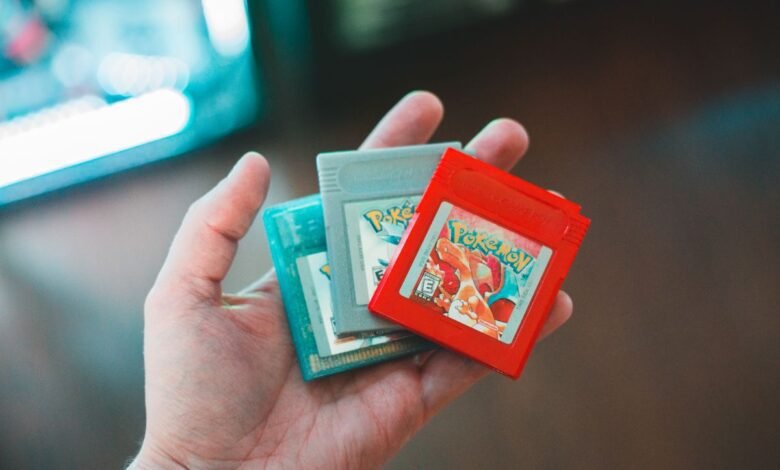
What happens to old game save files depends on where they’re stored. Saves on many older cartridges are kept alive by a small battery, and when it dies the save is erased. Saves on a console or PC last as long as the hardware, unless the device is reset or sold. Cloud saves are only as safe as your account and subscription. Most saves can be protected, but only if you act before something fails.
Here’s what happens to unfinished saves in each case, the strange stories they leave behind, and how to back up the progress you care about.
The 3 Places Old Game Save Files Live
| Where the save is | Main risk | How long it can last |
|---|---|---|
| Battery-backed cartridges (many Game Boy, SNES and some N64 games) | Battery runs out and the save is erased | Often decades, but every battery eventually dies |
| Console or PC storage | Factory reset, selling the device, drive failure | As long as the device and drive survive |
| Cloud saves | Subscription lapses, account closure, service shutdown | As long as the company keeps the service and your account active |
1. Cartridges With Batteries
Many classic cartridge games, including Pokémon Red, Blue, Gold and Silver and The Legend of Zelda: A Link to the Past, store saves in a small memory chip powered by a coin-cell battery inside the cartridge. When that battery finally runs out, the save is lost. There’s no warning. One day the game simply starts from the beginning.
These batteries have often lasted much longer than anyone expected, frequently 15 to 20 years or more, but none of them last forever. Plenty of childhood saves have already vanished.
Not every older game used a battery. Some cartridges stored saves on chips that don’t need power, and disc-based consoles like the PlayStation used separate memory cards.
2. Console and PC Storage
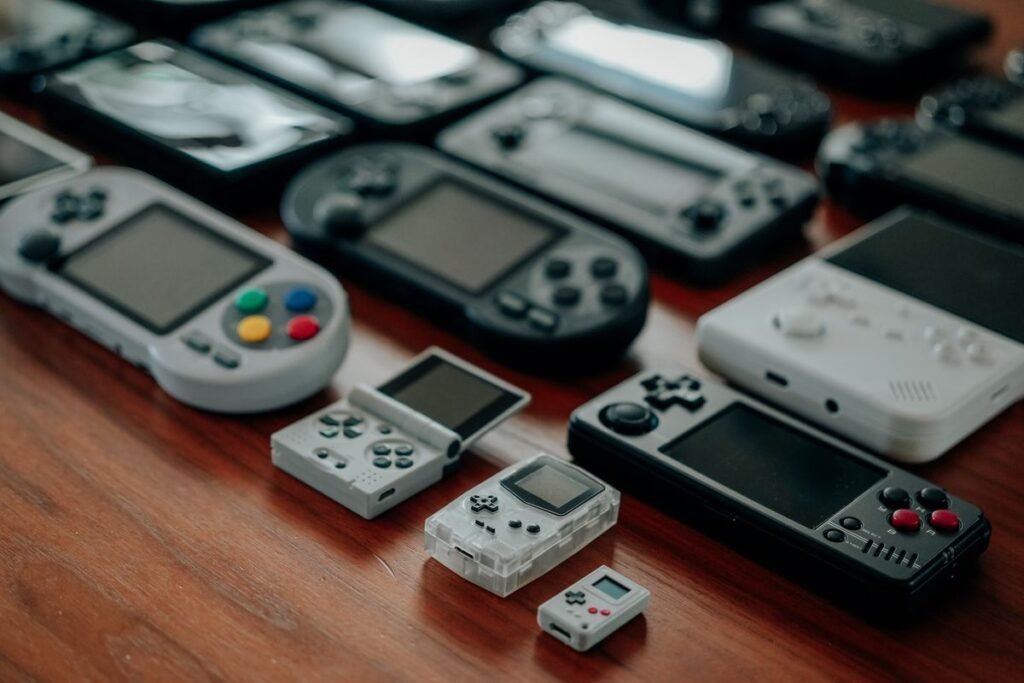
Saves on a modern console’s internal storage or a PC’s drive are much more stable. The real dangers are human: trading in a console without backing up, restoring factory settings, or a hard drive or SSD failing.
3. Cloud Saves
Cloud saves feel permanent, but they depend on rules you may never have read. On some services, cloud backups are tied to a paid subscription:
- PlayStation: cloud storage is a PlayStation Plus feature. If your membership ends, Sony says it keeps your cloud saves for a limited time before they may be deleted.
- Nintendo Switch: Save Data Cloud requires a Nintendo Switch Online membership. If it lapses, you can lose access to your cloud backups.
- Xbox: cloud saves are generally included without a subscription. Microsoft accounts that are inactive for a long period can be closed, though.
- PC: services like Steam Cloud sync saves for supported games as long as your account is active.
Policies change, so check the current rules for your platform.
What Happens When a Game’s Servers Shut Down
For games that keep your progress online, a server shutdown can wipe it out. Some companies give players notice and a chance to download or transfer their data. Others simply switch the servers off. Anything stored only online disappears with them.
Even saves kept on your own device can become useless if the game itself is delisted and you can no longer download or run it. The file exists, but nothing can open it.
Why Save Files Get Corrupted
Saving a game means writing data to storage. If power cuts out or the system crashes halfway through, the file can end up half old and half new, and unreadable. That’s why older games warned you, “Do not turn off the power while saving.”
Modern systems are better at protecting saves. Many keep a backup copy and check that a save finished correctly before replacing the old one. But corruption can still happen if storage starts to fail.

The Human Side of Unfinished Saves
Saves can mean much more than progress points. One widely shared story, posted in a 2014 YouTube comment, came from a player whose father had died years earlier. When the player went back to an old Xbox racing game they used to play together, they found the father’s “ghost,” a recorded lap still racing the track. The player said they kept racing alongside it, but stopped just before the finish line so the ghost would never disappear.
Stories like this are why many people keep old consoles and cartridges long after they stop playing. A save file can show the names someone chose, the places they explored, and exactly where they stopped.
Game preservation groups and collectors also use special devices to copy save data from old cartridges before the batteries die. They treat saves and games as part of digital history, much like archivists preserve old abandoned websites. You can read more about these efforts under video game preservation.
How to Protect Your Old Game Save Files
- Turn on cloud saves where your platform offers them, and keep track of whether a subscription is required.
- Make local backups. Many consoles let you copy saves to a USB drive. On PC, back up the save folder to an external drive or cloud storage.
- Back up before selling or resetting any console or PC.
- For battery-backed cartridges, use a cartridge reader to copy the save to a computer before replacing the battery. Battery replacement needs soldering and care, so get help if you’re unsure.
- Keep more than one copy. Don’t rely on a single device or company.
- Store old hardware carefully, away from heat and damp.
Frequently Asked Questions
Do old cartridge saves disappear on their own?
Saves on battery-backed cartridges disappear when the battery dies. Many have lasted 15 to 20 years or longer, but it’s only a matter of time. Copying the save before replacing the battery is the safest approach.
Can corrupted save data be recovered?
Sometimes. If a backup copy exists, either automatic or your own, you can restore it. A save that was corrupted mid-write is often unrecoverable without a backup.
What happens to cloud saves if I cancel my subscription?
It depends on the platform. Some keep cloud saves for a limited time after a subscription ends, while others restrict access straight away. Download or copy your saves locally before you cancel.
Can I keep my saves forever?
Nothing is truly permanent, but multiple backups in different places, like a console, a USB drive and the cloud, give your saves the best chance of lasting.
The Bottom Line
Old game save files face different risks depending on where they live: dying batteries, reset consoles, lapsed subscriptions or shut-down servers. A little effort, like backing up and turning on cloud saves, protects years of progress. If you enjoy thinking about the digital things we leave behind, read what happens to unread notifications and why your keyboard letters wear off.