Keyboard Letters Wearing Off? Why It Happens and How to Fix It
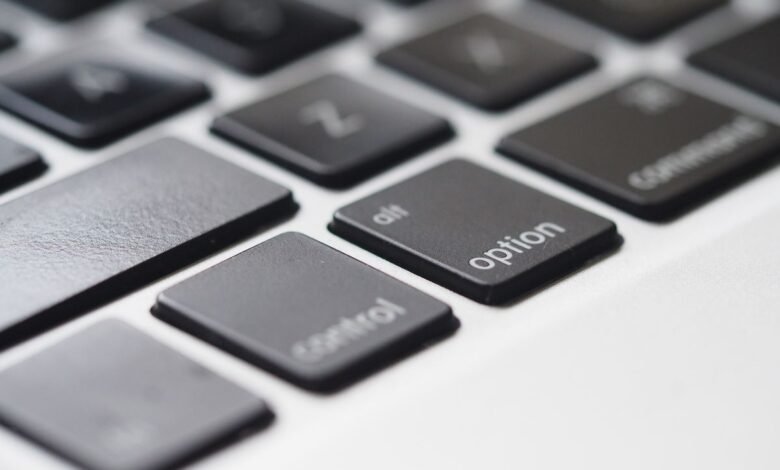
Keyboard letters wearing off is mostly a matter of how often you press each key and how the letters were printed. Common letters like E, A, S and N get pressed thousands of times more than Q or Z. On most cheap keyboards the letters are just a thin layer of paint or ink, so friction and the natural oils on your fingers slowly rub them away.
The good news is that it’s easy to fix, and you can prevent it on your next keyboard. Here’s why it happens, which keys go first, and what to do about it.
Why Keyboard Letters Wearing Off Happens: 5 Main Causes
1. Some Letters Are Used Far More Than Others
English uses letters very unevenly. E is the most common letter, making up roughly 12–13% of letters in typical English text. T, A, O, I, N, S and R follow. Q, Z, X and J each make up well under 1%. You can see the full ranking in this letter frequency chart.
So your E key may be pressed more than a hundred times for every press of Q. It’s no surprise that one looks worn out while the other still looks new.
Look at your own keyboard. Worn keys often include E, A, S, D, N, and the left-hand keys you use for shortcuts. Gamers often see W, A, S and D wear first, because those are the movement keys in many games.
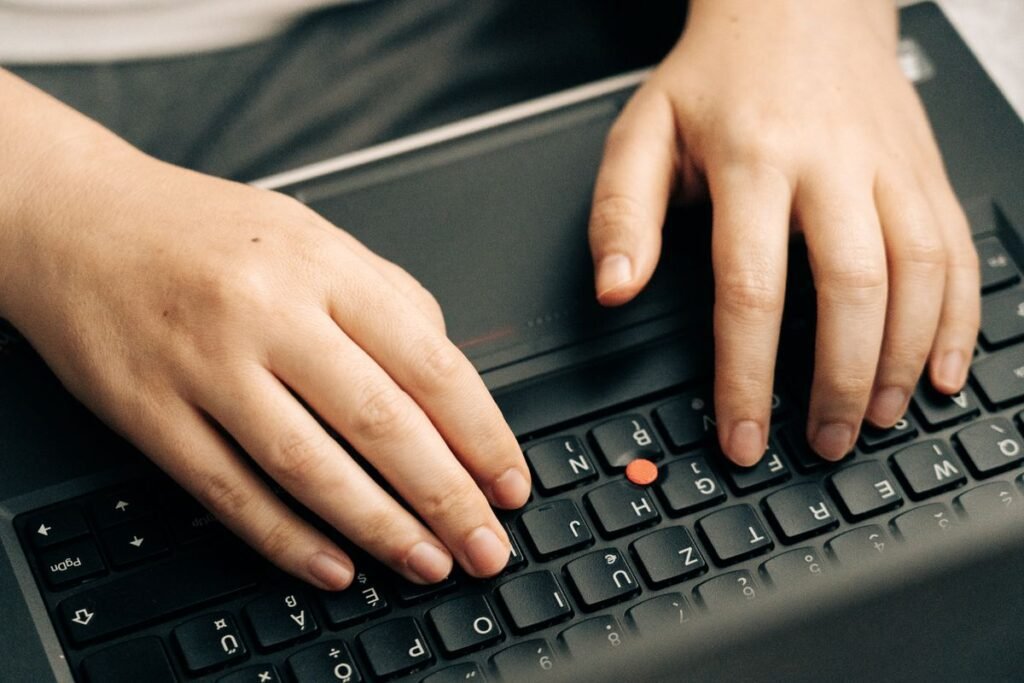
2. Cheap Printing Methods Rub Off Easily
How the letters are put on the keycap makes the biggest difference:
| Method | How it works | How long letters last |
|---|---|---|
| Pad printing | A thin layer of ink on the surface | Shortest; can fade noticeably with heavy use |
| Laser etching | Laser marks or burns the surface | Medium; can still wear down |
| UV-coated print | Ink protected by a clear coating | Better, until the coating wears through |
| Dye-sublimation | Ink soaked into the plastic itself | Very long-lasting |
| Double-shot molding | The letter is a separate piece of plastic molded into the key | Practically permanent |
Most budget laptop and office keyboards use surface printing, which is why letters fade on them so often.
3. Skin Oils and Sweat Break Down the Surface
Even clean hands carry natural skin oils (sebum) and traces of sweat. Every keystroke leaves a tiny amount on the key. Over months, this oily layer mixes with friction and slowly breaks down the printed surface. Eating while typing adds food oils and crumbs to the mix.
Warm, sweaty fingers produce more oil and moisture, so keys tend to wear faster for people who type a lot in hot conditions.
4. Friction From Thousands of Keystrokes
Each press is tiny, but the numbers add up. Someone who types for a few hours a day can easily make tens of thousands of keystrokes. Every press rubs the same spot on the same keys, wearing away ink and plastic a little at a time.
How you type matters too. Hard, heavy key presses and long fingernails speed up wear.
5. The Plastic Itself: ABS vs PBT
Most keycaps are made of one of two plastics:
- ABS: common, cheap and smooth. It’s softer, so it develops a shiny, greasy-looking patch with use.
- PBT: harder and more resistant to wear. It keeps its slightly rough texture much longer and rarely gets shiny.
The shine you see on old keys and the space bar isn’t new material. It’s the original matte texture being polished smooth by your fingers. On a well-used space bar you may even see a slight dip worn into the plastic.
How to Fix Keyboard Letters That Have Worn Off
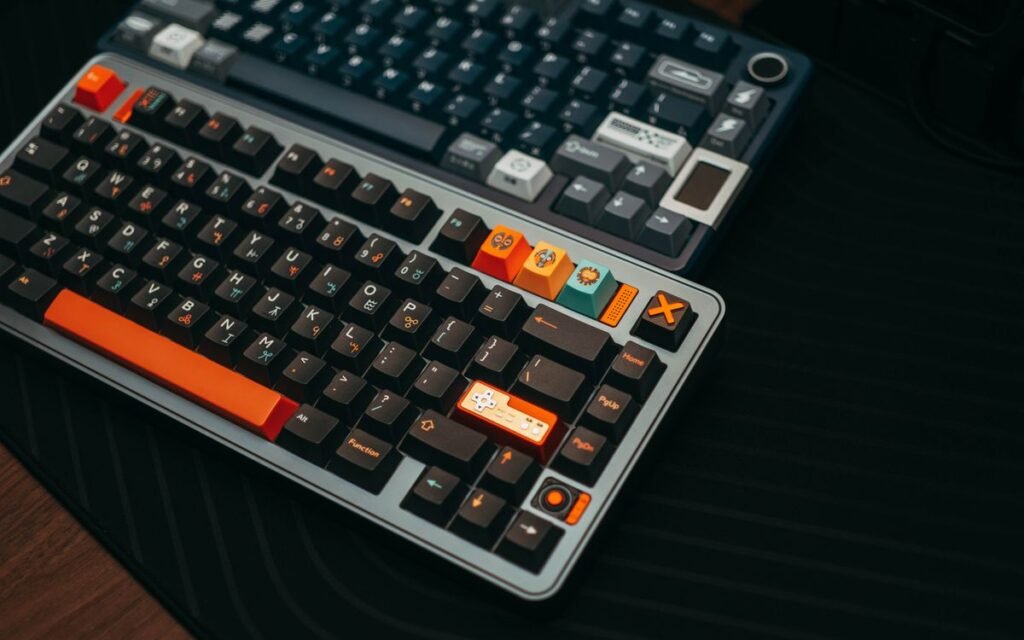
- Replace the keycaps. On most mechanical keyboards, keycaps pull straight off. A full set of PBT or double-shot keycaps is an easy upgrade and won’t fade again.
- Buy replacement single keys. For many laptop models you can buy individual replacement keys.
- Use keyboard stickers. Cheap stickers or transparent letter overlays work well on laptops.
- Touch up with a paint pen. Fine for a quick fix, but it will wear off again.
- Learn to touch type. If you don’t look at the keyboard, faded letters stop mattering at all.
How to Stop Keyboard Letters From Wearing Off
- Wash and dry your hands before long typing sessions.
- Don’t eat over the keyboard.
- Clean the keys regularly with a slightly damp cloth or an alcohol wipe (check your manufacturer’s advice first).
- Type more lightly. Keys only need a light press to register.
- Use a silicone keyboard cover on laptops if you don’t mind the feel.
- Choose PBT or double-shot keycaps next time you buy a keyboard.
Your keyboard is one of many everyday tech items that slowly change with use. If you like this kind of question, read about what happens to your old game save files, what really happens to your unread notifications, or the strange fate of abandoned websites.
Frequently Asked Questions
Why do the E and A keys wear out first?
Because E and A are among the most common letters in English, so they’re pressed far more often than most other keys. More presses mean more friction and more skin oil on those keys. Your most-worn keys also reflect your own habits, like shortcuts or gaming keys.
Do mechanical keyboards stop letters wearing off?
Not on their own. Mechanical switches are built to last tens of millions of presses, but letter wear depends on the keycaps. A mechanical keyboard with cheap printed ABS keycaps will fade just like a budget keyboard.
Is it bad for my laptop if the letters wear off?
No. It’s cosmetic. The keys still work normally. It only becomes a problem if you rely on looking at the keyboard while typing.
Why does the space bar get shiny?
The space bar is the most pressed key on almost any keyboard, usually hit by your thumb. It has no letter to fade, so the wear shows up as shine instead, where the matte texture has been polished smooth.
The Bottom Line
Keyboard letters wearing off comes down to letter frequency, thin printed letters, skin oils and plenty of friction. It doesn’t affect how the keyboard works, and it’s easy to fix with new keycaps, stickers or a paint pen. If you want letters that last, choose PBT or double-shot keycaps next time.